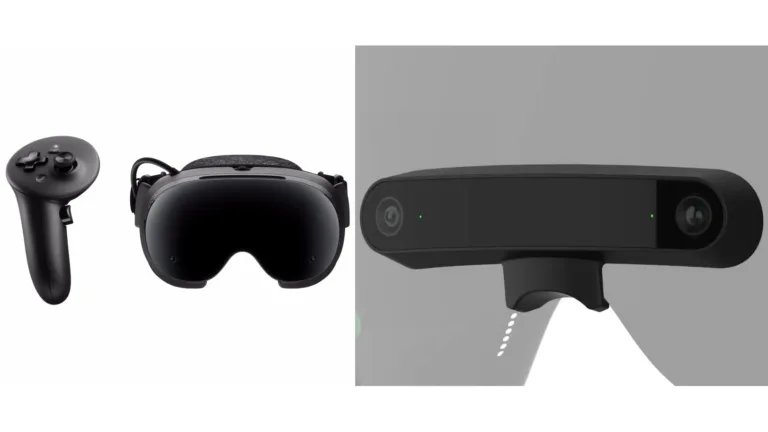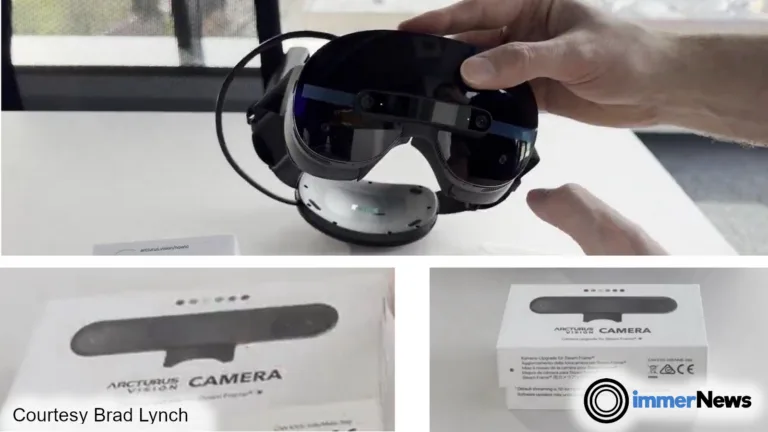
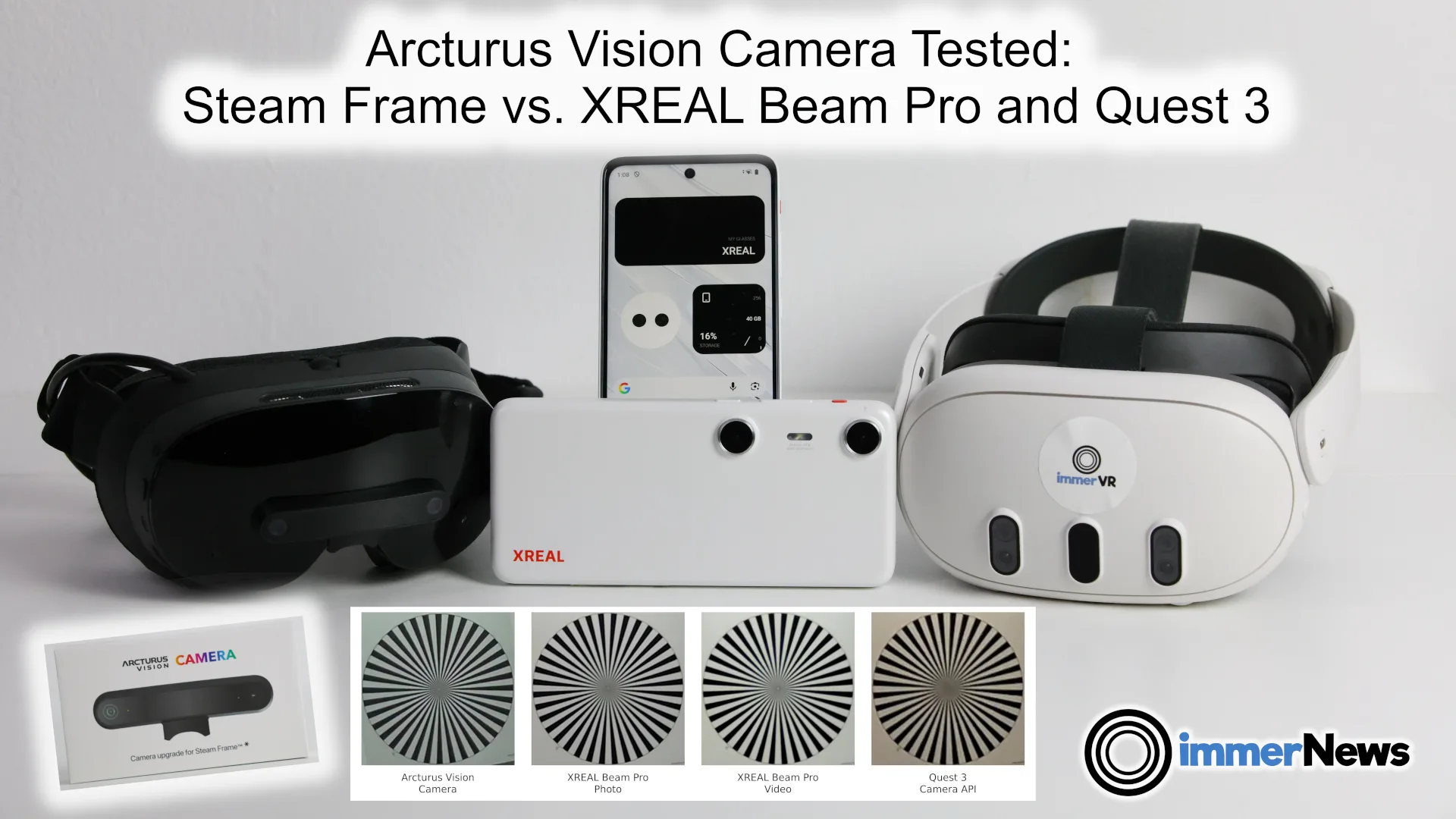

In our new video, we compare it with the handheld XREAL Beam Pro puck and Quest 3’s built-in cameras, accessed through the 3D Camera feature in our app immerGallery.
More VR headsets are gaining ways to capture spatial photos and videos, either with their built-in cameras or an add-on. That makes them an interesting alternative to dedicated 3D cameras, especially if you already own the headset.
From recording to playback
Arcturus offers a choice of recording resolutions, frame rates and image-processing settings. We look at those controls, the visibility of the electronic level and the missing photo mode in the app we tested.
The recordings contain a separate video stream for each eye, plus timing and camera-motion data. We test an innovative playback feature in the official app: when the person filming looks down, the virtual screen tilts down too. It follows the recorded camera orientation.
For playback in other players, Arcturus provides desktop tools to convert the fisheye images into rectified stereo video. We look at SBS and MV-HEVC exports, the issues we worked around, and whether a direct side-by-side recording option could make things easier.
How well do the resulting videos play on other VR devices, and on Steam Frame itself? The video covers our Quest 3 tests and the differences between native Linux apps and Android apps running through Lepton on Steam Frame. Our earlier Steam Frame versus Quest 3 playback tests provide the background.
Image quality and practical tradeoffs
Our camera-chart examples compare fine detail in Arcturus, XREAL Beam Pro photo and video, and Quest 3 API captures.
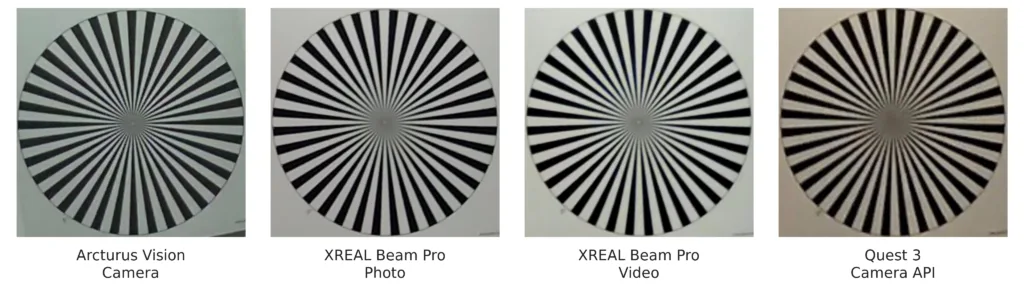
We also examine noise indoors and outdoors, differences between the eye views, image artifacts, uneven recording intervals and flicker under an LED ceiling lamp.
How well does a square image per eye work for stereo viewing, and what happens when you crop it for a wider virtual screen? We discuss that alongside the image comparisons, playback results and verdict.
We also tried accessing the Arcturus cameras ourselves in a new development sample app on Linux and through Android/Lepton. The video shows what worked and what still stands in the way of integrating them into another VR app.
Try the recordings yourself
Download the comparison media to view an Arcturus SBS video and selected examples from XREAL Beam Pro and Quest 3 here (415 MB).
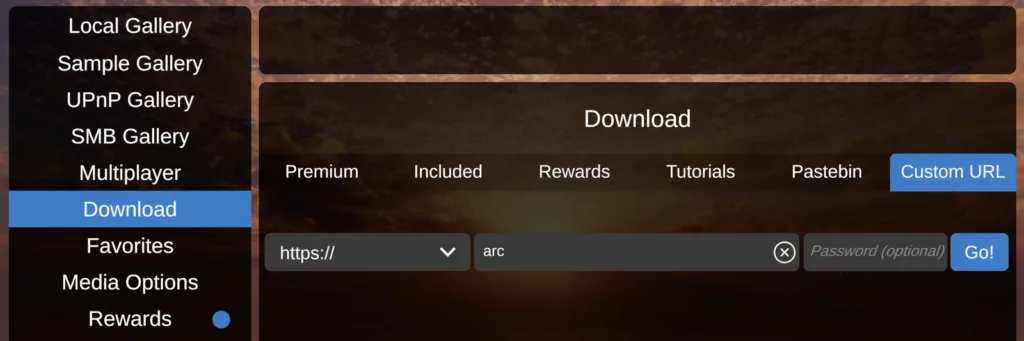
In immerGallery, it is even easier. In the app, open Download, choose Custom URL, enter arc and press Go to download and open the archive.
Links
- Download the comparison media (ZIP, about 415 MB)
- Concept for Rendering Optimizations for Full Human Field of View HMDs (PDF), Daniel Pohl, Nural Choudhury and Markus Achtelik, IEEE VR 2018
- Our earlier Steam Frame versus Quest 3 playback tests
- Background: Spatial cameras from Quest 3 to Steam Frame and Arcturus
- Official Arcturus camera app and conversion tools: https://arcturus.vision/apps
- immerGallery: https://www.immervr.com/
Would you rather capture stereo video with a headset or a separate handheld camera? Let us know in the comments!