

immerGallery 1.4.4 update in a nutshell
We have released immerGallery 1.4.4, a major update to our VR media player for Meta Quest, PICO and SteamVR headsets.
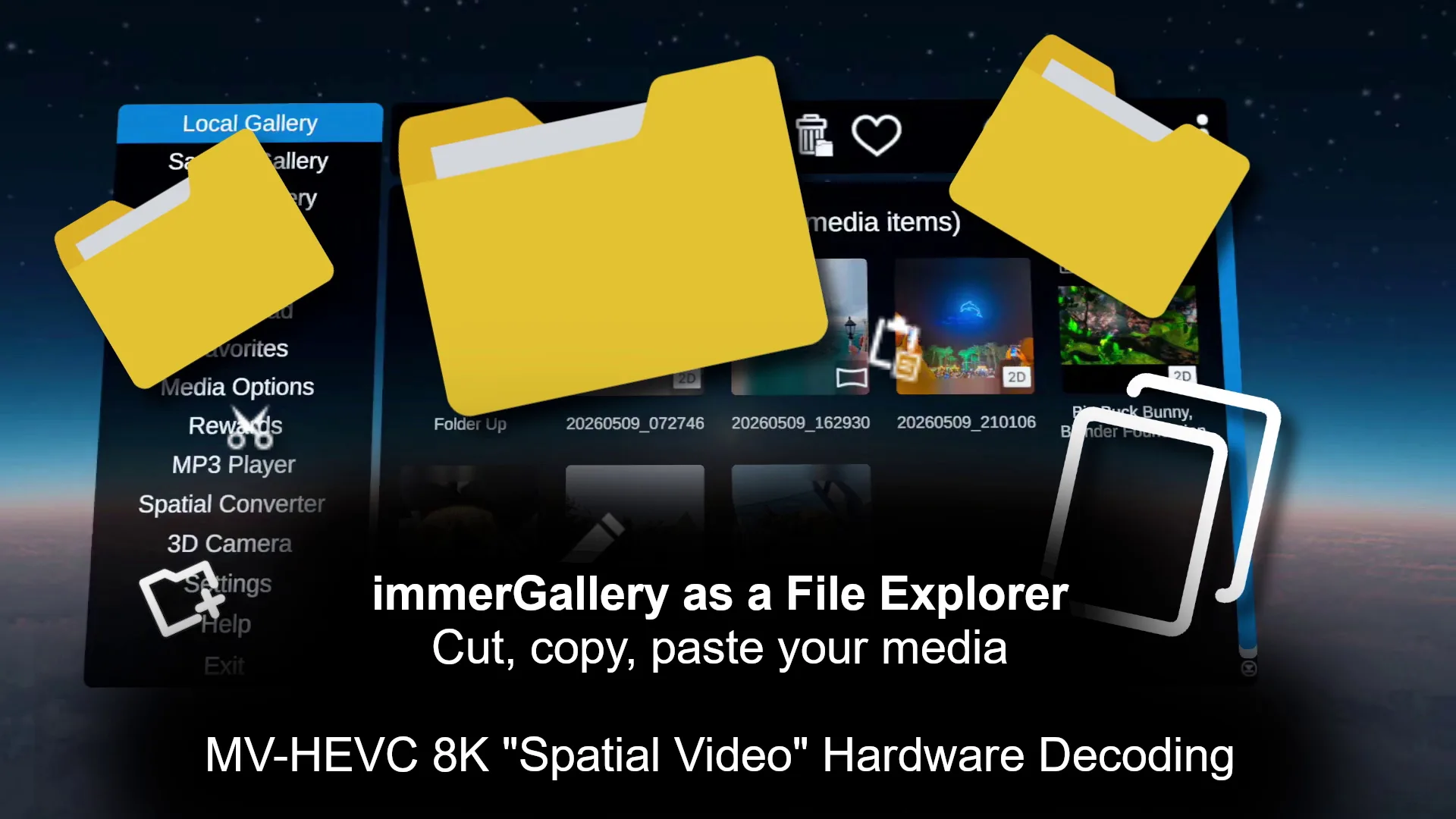
The update adds a file explorer directly inside VR, including copy, cut, paste, rename and folder creation. Media can now also be accessed directly from USB storage devices on Meta Quest and PICO headsets.
For spatial video, version 1.4.4 introduces hardware-accelerated MV-HEVC decoding on Meta Quest 3 / 3S and PICO 4 Ultra. This allows high-resolution stereoscopic Spatial Videos, including 4K recordings from iPhones and 8K videos from supported Samsung Galaxy smartphones, to be played without first converting them to conventional side-by-side 3D video.
To our knowledge, this makes immerGallery the first third-party media player on Meta Quest 3 / 3S and PICO 4 Ultra to support hardware-decoded MV-HEVC playback.
The update also brings faster ZIP extraction, improved SMB streaming, support for SMB symbolic links and better automatic detection of 3D video formats.
Disclosure: immerGallery is developed by the same immerVR team behind immerNews.
A file explorer directly inside VR
With the new file explorer update, files and folders can be managed directly inside the headset using copy, cut, paste and rename, while new folders can also be created. This is particularly useful for larger photo and video collections, where media can now be reorganized while staying inside VR.
The file explorer also works with USB storage, with the following file systems supported:
- Meta Quest: FAT32 and exFAT
- PICO: FAT32, exFAT and NTFS
- Windows: all file systems supported by Windows
This provides a convenient way to access large video files without first copying them to the headset’s internal storage.
Hardware-accelerated MV-HEVC Spatial Video playback
The other major addition in version 1.4.4 is hardware-accelerated MV-HEVC decoding on Meta Quest 3 / 3S and PICO 4 Ultra.
MV-HEVC is used for many of today’s Spatial Videos, storing the stereoscopic views more efficiently than conventional side-by-side 3D video.
The challenge on standalone VR headsets has been decoding both views efficiently. Software decoding can work for lower-resolution material, but it becomes increasingly demanding as resolution and bitrate increase.
immerGallery now uses hardware decoding to play original MV-HEVC files, including 4K Spatial Videos from iPhones and 8K stereoscopic videos from supported Samsung Galaxy smartphones, without converting them to side-by-side video first.
For photos, immerGallery has already supported stereoscopic Spatial Photos in HEIC format from compatible iPhones and Samsung Galaxy smartphones for some time.
Faster ZIP extraction and SMB improvements
Version 1.4.4 also includes:
- Significantly faster ZIP extraction, for example for immerGallery Rewards
- SMB optimizations for higher-bitrate video streaming
- Support for SMB symbolic links
- Improved 3D video format detection and thumbnail generation
Get immerGallery
immerGallery is available for Meta Quest, PICO XR and SteamVR:
USB data access support is a fantastic news. Limited internal memory storage capacity in Quest headsets is no longer the inconvenience in handling multiple big size media files. Finally it’s as easy as just copying your favorite files to any external memory stick. No more need to constant shuffle whatever we want to watch in VR.
So far using USB external storage was possible only with 4XVR player, but 4XVR was rendering VR180 videos in distorted scaling, so it wasn’t really usable for that format.
I wonder what is the max memory stick (or SD memory card in USB card reader) capacity is supported with this update?
Yes, USB storage support makes things much easier now. Blu-Ray MKV files in the direct H264-MVC format consume a lot of space, but a 1 TB USB stick can hold a lot of these. I actually did not test the maximum memory stick size, but Android seems to be capable of at least doing 2 TB. For testing, it might be interesting to connect an external HDD to it.