
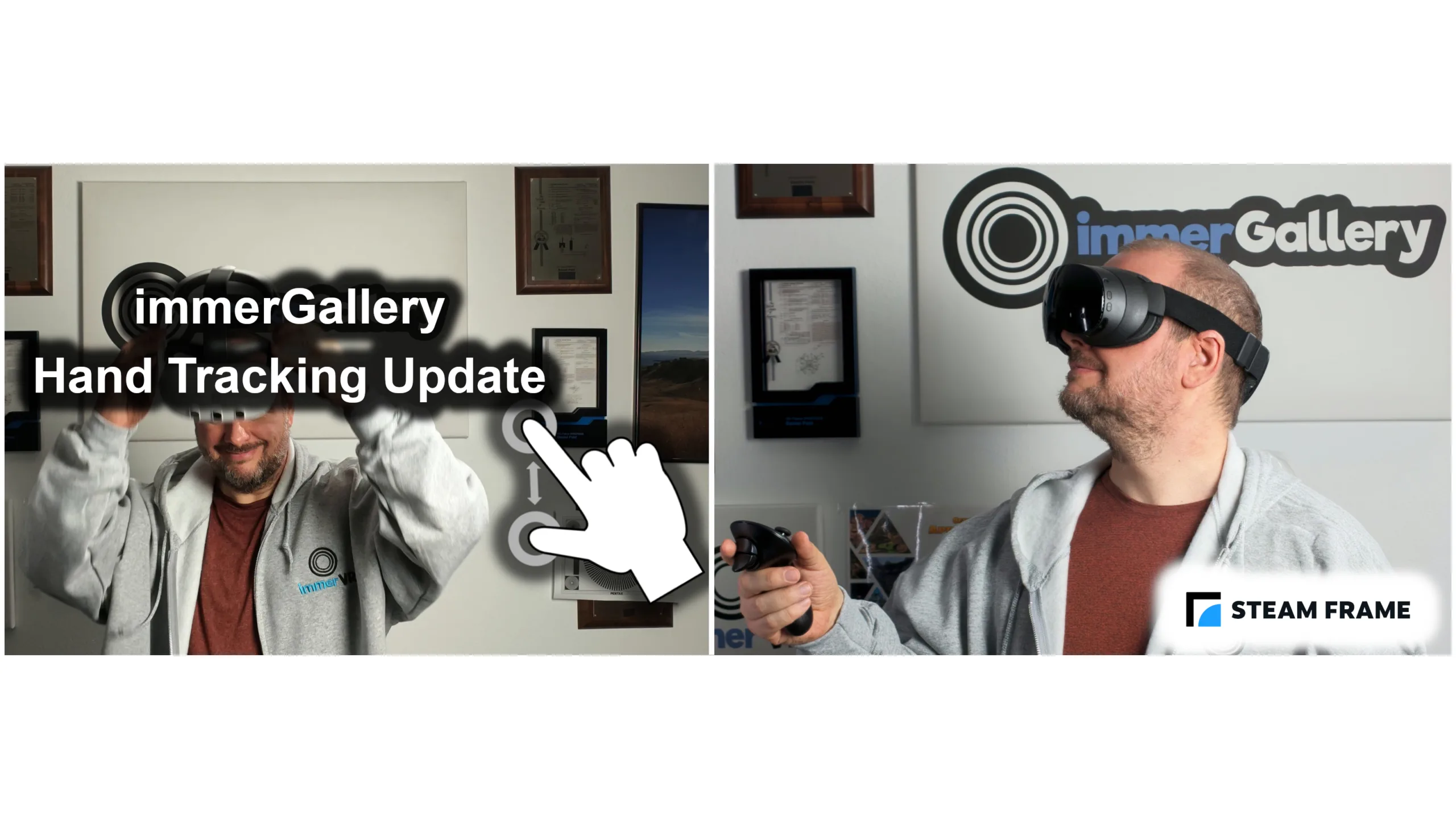

immerGallery 1.4.5 update in a nutshell
immerGallery 1.4.5 adds support for hand tracking without the need for VR controllers. Our Steam version of the app now also runs in standalone mode on the newly released Steam Frame. On Quest 3, immerGallery now automatically adjusts the display refresh rate based on the video’s frame rate for smoother playback.
Disclosure: immerGallery is developed by the same immerVR team behind immerNews.
Hand tracking on Meta Quest and PICO
Controllers for virtual reality are great. The precision of 6-DoF controller input devices allows quick interactions to do a lot of basic tasks like selecting items, typing with the virtual laser on a virtual keyboard, toggling options in menus, grip rotation and other functionality through the buttons on controllers. However, for scenarios where not much interaction is required, e.g. to watch a Blu-ray 3D movie in virtual reality, it might not be necessary to use a controller at all. Hand tracking provides a virtual laser pointer and lets you click with a pinch gesture, making it easy to start a video or adjust sliders such as volume and brightness. With the release of immerGallery 1.4.5, we added hand tracking for the Meta Quest 3 / 3S, PICO 4 and PICO 4 Ultra headsets.
While viewing a photo slideshow in VR, switching to the next or previous media item is one of the most common interactions. Our experimental hand swipe gestures make this possible and can be enabled under Settings → Input. During video playback, a swipe skips 15 seconds forward or backward. For other actions, such as stopping the slideshow or browsing to another folder, pinch in fullscreen mode to bring back the menu. You can then navigate using the virtual laser pointer, just as you would with a physical controller.
You can switch between hands and controllers at any time. For example, use the controllers to open your video folder and start a video, then put them aside and use your hands for simple actions such as pausing playback. When you want to browse folders again, simply pick up the controllers.
Steam Frame standalone support
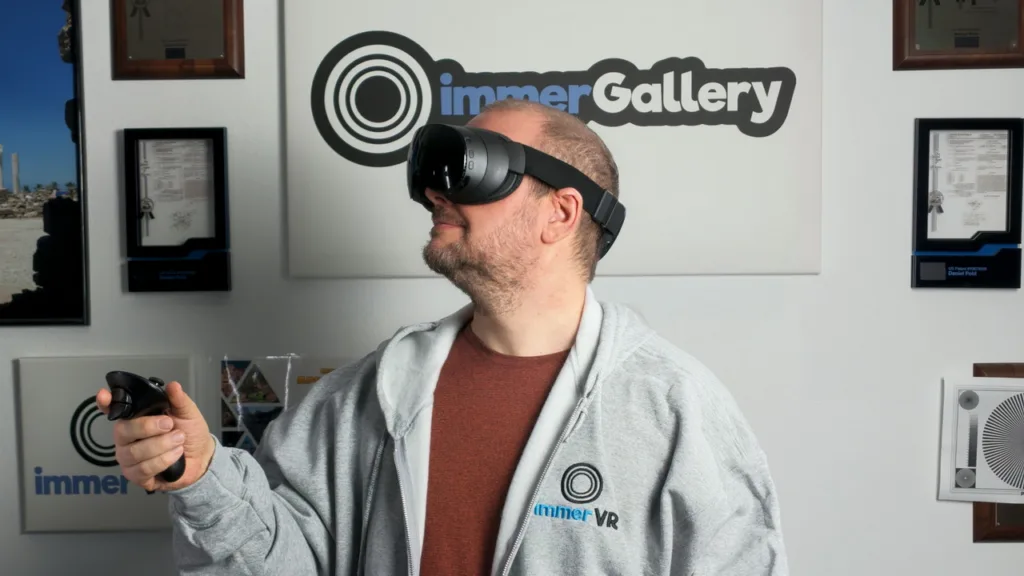
We released immerGallery for Windows x64 on Steam in July 2026. We are happy to report that we have now also released a standalone version for the new Steam Frame headset which runs without requiring a connected PC. With one purchase of immerGallery on Steam, both versions (Windows and Steam Frame) are included. Your collected rewards, StereoGold balance and DLC purchases are automatically kept in sync between the Windows and Steam Frame versions.
Smoother video playback on Quest 3
As we reported in our article DJI Osmo 360 II vs. Insta360 X6: A VR Creator’s Perspective, the frame rates and ideal display refresh rates on headsets are closely connected. After Meta updated Quest 3 to allow any refresh rate from 72 to 207 Hz, we have now implemented automatic display refresh settings based on the video frame rate to give an ideal experience. For example, when playing a 50 fps video, immerGallery automatically selects the 100 Hz display mode on Meta Quest 3.
