
immerGallery 1.4.6 update in a nutshell
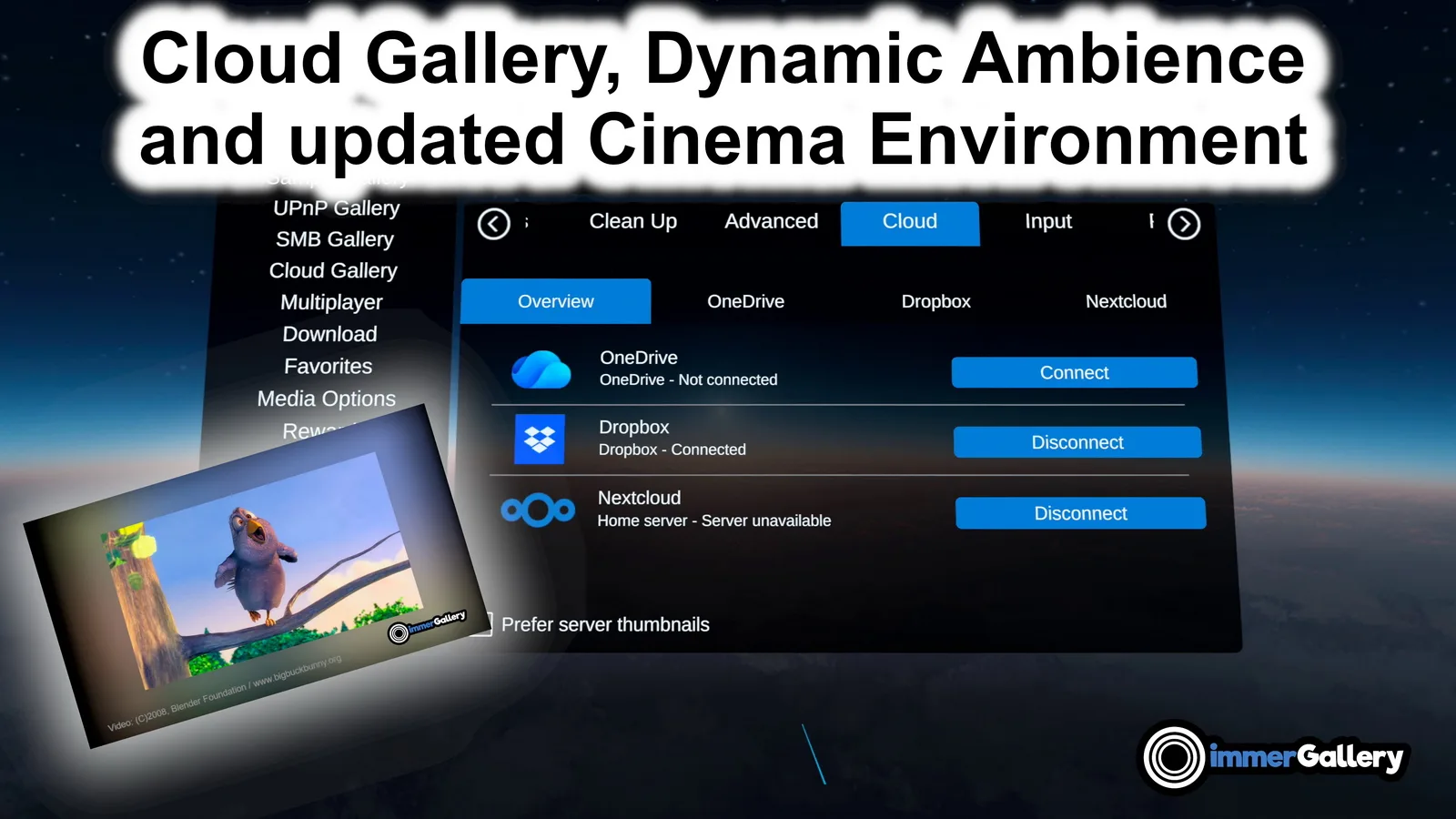
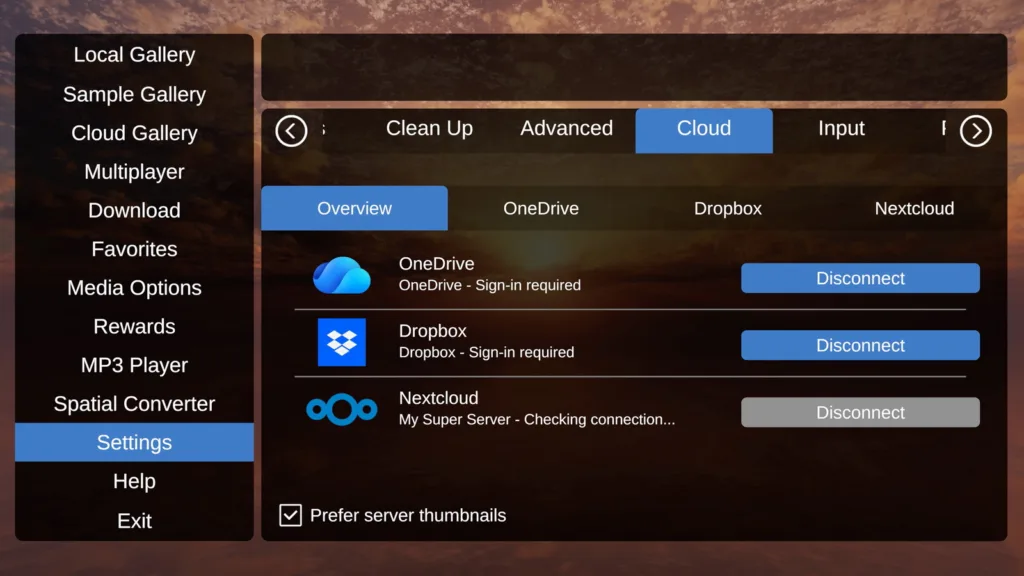
With the new version 1.4.6, we added easy access to cloud storage. Using Settings – Cloud in our app, you can connect to your accounts on OneDrive Personal and Dropbox or a Nextcloud home server. For even more immersion while watching videos, we updated our cinema environment with more detailed geometry and better textures. Our previous ambient feature has been updated to work not only in the cylindrical view, but also on the flat cinema screen with improved blur, illuminating the cinema environment around you. Support for the Insta360 file format .INSP has been extended.
Disclosure: immerGallery is developed by the same immerVR team behind immerNews.
Cloud Gallery
The possibility of accessing media files stored online from anywhere, without needing to keep your entire media library on the device, was a commonly requested feature. With this new update, we are happy to announce support for these three cloud storage providers:
- OneDrive Personal
- Dropbox
- Nextcloud
In future releases, we might extend this to even more cloud storage providers. Let us know in the comments which ones you would like to see in addition.
Dynamic Ambience and Cinema Environment
Since we added video playback on the cylindrical, curved screen, we have offered a second ambient screen behind it with a slightly blurred view of that image to increase the immersion beyond the regular cinema screen. We have now extended this to our flat-screen display for 2D and 3D media and optimized the blur. In the video player UI, you can adjust a slider to control the size of the blur around it. The “Ambient” toggle can be used there to disable or enable it.
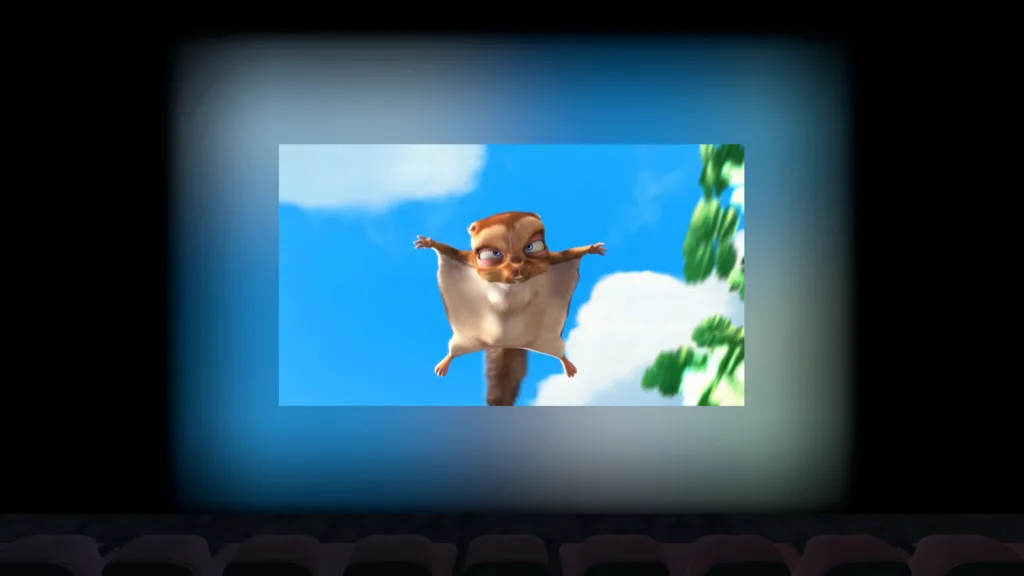
Video example: (C) 2008, Blender Foundation / www.bigbuckbunny.org

Video example: (C) 2008, Blender Foundation / www.bigbuckbunny.org
Extended Insta360 .INSP support
There are very good reasons why the native image files from Insta360 cameras in the .insp format should be properly exported through free tools like Insta360 Studio first:
- Proper stitching at the borders for 360° images
- Lens distortion correction. Insta360 has the calibration data for each camera model and can use it to correct lens distortion in its software
- In Insta360 Studio, different stitching optimizations can be selected for cases in which a lens guard or dive case has been used
- Horizon correction for exported images
Nevertheless, our users asked us to support opening .insp images as well, even if it is only for an imperfect preview of the content, e.g. for selecting the best shots from a series of photos instead of needing to convert all of them first.
In earlier versions, we had basic support for this. However, different Insta360 cameras store their data differently in the .insp files. With this update, we optimized the preview and verified that it works without prior conversion for the following cameras, with ONE X support coming soon. For 360° images, this does not perform stitching, but applies our newly added automatic horizon correction based on the IMU data:
- Insta360 EVO (VR180-3D and 360°)
- Insta360 ONE
- Insta360 ONE X (support coming soon)
- Insta360 ONE X2
- Insta360 ONE RS 1-Inch 360 Edition
- Insta360 X3
- Insta360 X4
- Insta360 X5
- Insta360 X6
We also have .insp support for the Insta360 ONE R, ONE RS, Nano/Nano S and Air, but still need to verify it once we receive .insp samples from these cameras.
Not directly related to .insp files, but a good opportunity to mention it: we also have a dedicated Insta360 Luna Ultra mode for images created in the “200MP Scenic Panorama” mode. We automatically correct the image projection to present these images in high quality on our cylindrical screen for high detail and great immersion.
Android XR
Version 1.4.6 is also the first release of immerGallery in the Google Play Store with support for Android XR devices like Samsung Galaxy XR and potentially XREAL Aura. It has been further optimized for hand tracking on Samsung Galaxy XR with optional support for the 6-DoF Samsung Galaxy XR controllers. Using field-of-view simulations for XREAL Aura, similar to what we did with the Meta VR Glasses field-of-view simulation, we have already optimized the app for what can be expected on XREAL Aura. A hardware test on that device is still outstanding.